Skip to Main Content

Screensavers

Published
Topics: Screensavers

A collection of screensavers designed by SPS for healthcare professionals to save and use on workplace computers.

About our screensavers

Our screensavers are designed for healthcare professionals to save and use on workplace computers.

Save your screensaver

  • Click on the screensaver image
  • Right-click on the image and select ‘Save image as…’
  • Save it somewhere easy to find, such as Downloads or Desktop

Using on a Windows PC

Set as desktop background:

  • Right-click the image file you have saved
  • Select ‘Set as desktop background’

Adjust how the image fits your screen:

  • Right-click anywhere on your desktop
  • Click ‘Personalise’
  • Select ‘Background’
  • Under ‘Choose a fit for your desktop image’, choose how it displays (‘Fill’, ‘Fit’, or ‘Stretch’)

Set as lock screen:

  • Right-click anywhere on your desktop
  • Click ‘Personalise’
  • Select ‘Lock screen’
  • Under ‘Background’, select ‘Picture’
  • Click ‘Browse’
  • Find and select your saved image
  • Click ‘Choose picture’

Using on a Mac

  • Open ‘System Settings’ (or ‘System Preferences’)
  • Click ‘Wallpaper’ or ‘Desktop and Screen Saver’
  • Click ‘Add’ or the ‘+’ button
  • Select your saved image
  • Choose how it displays (‘Fill’, ‘Fit’, or ‘Stretch’)
  • This will set your desktop background – on most Macs, the lock screen will automatically use the same image

Polypharmacy resources screensaver

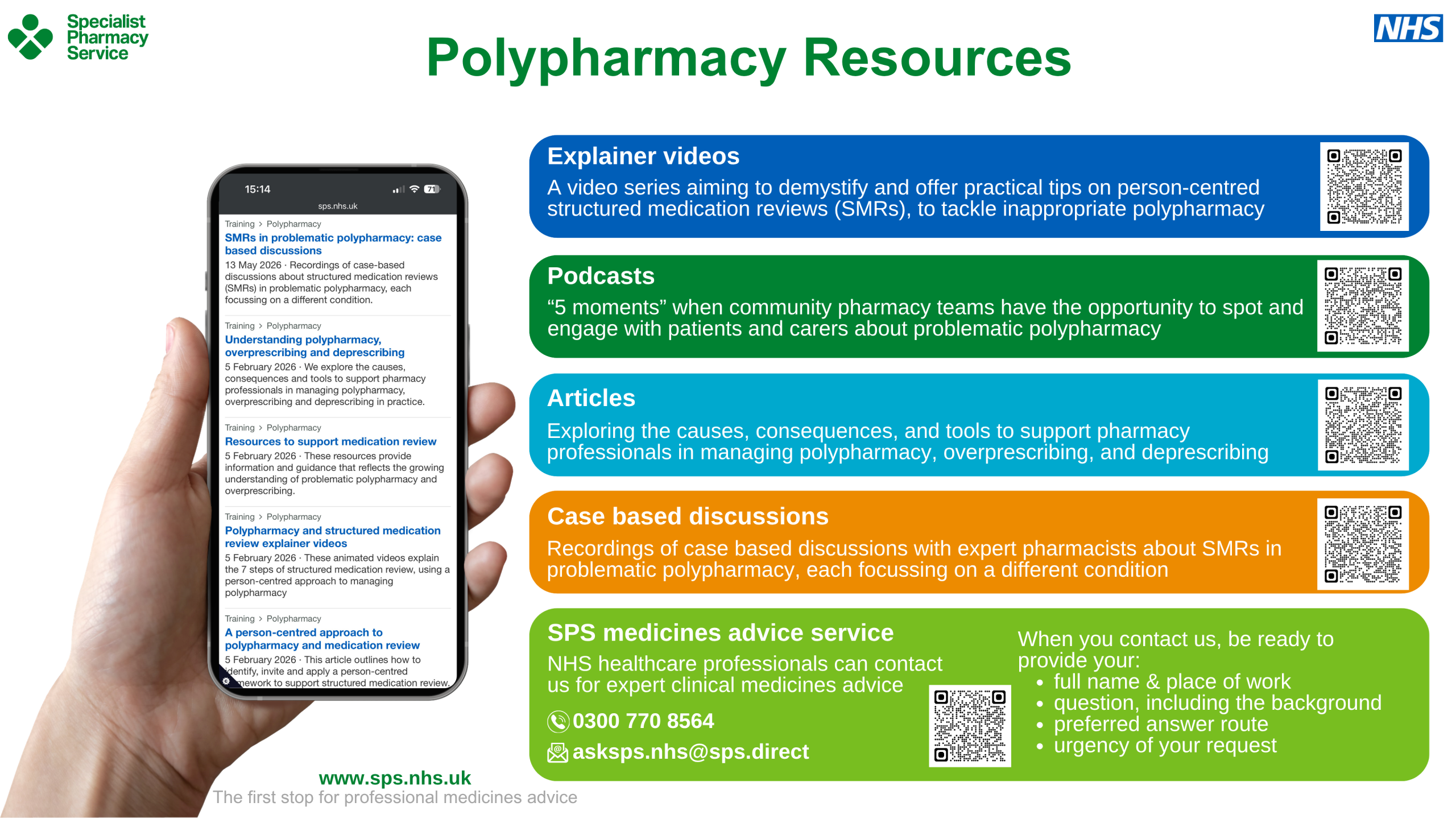
This screensaver provides information about the polypharmacy resources on the SPS website. It is designed for primary care, to be displayed on computers in community pharmacy dispensaries and consultation rooms. There are QR codes for quick access to these areas of the SPS website via a mobile device.
Polypharmacy resources screensaver

A screensaver image titled ‘Polypharmacy Resources’ with a Specialist Pharmacy Service logo and an NHS logo

A hand holds a smartphone displaying a webpage listing the following SPS resources:

  • SMRs in problematic polypharmacy: case based discussions
  • Understanding polypharmacy, overprescribing and deprescribing
  • Resources to support medication review
  • Polypharmacy and structured medication review explainer videos
  • A person-centred approach to polypharmacy and medication review

Coloured panels, each with a QR code read:

Explainer videos
A video series aiming to demystify and offer practical tips on person-centred structured medication reviews (SMRs), to tackle inappropriate polypharmacy

Podcasts
“5 moments” when community pharmacy teams have the opportunity to spot and engage with patients and carers about problematic polypharmacy

Articles
Exploring the causes, consequences, and tools to support pharmacy professionals in managing polypharmacy, overprescribing, and deprescribing

Case based discussions
Recordings of case based discussions with expert pharmacists about SMRs in problematic polypharmacy, each focussing on a different condition

SPS medicines advice service
NHS healthcare professionals can contact us for expert clinical medicines advice

When you contact us, be ready to provide your:

  • full name and place of work
  • question, including the background
  • preferred answer route
  • urgency of your request

Footer text reads: www.sps.nhs.uk. The first stop for professional medicines advice

Medicines supply tool screensaver

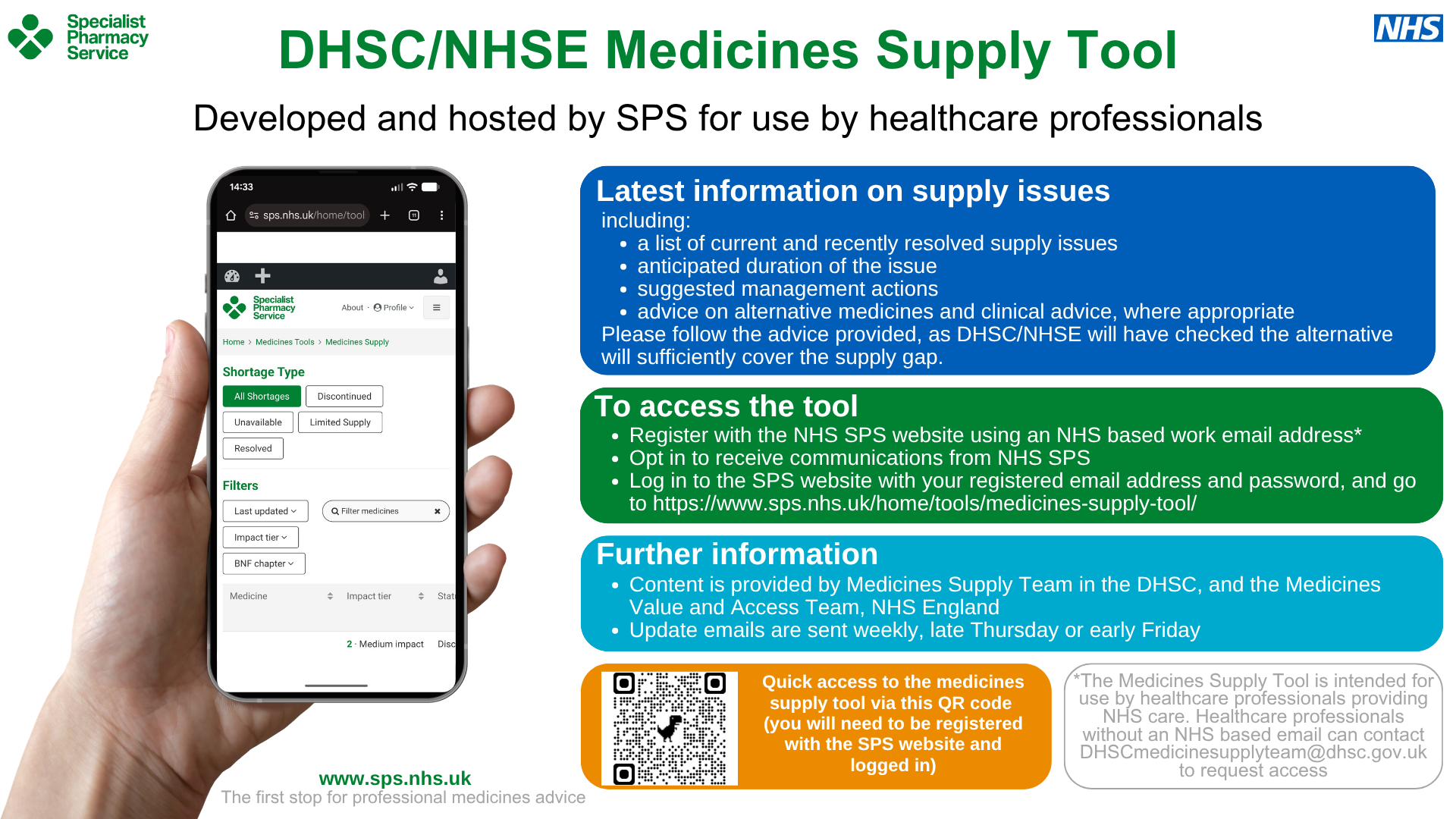
This screensaver provides information about the medicines supply tool. It describes the information available in the tool and how to access the tool on the SPS website. There is a QR code for quick access to the tool via a mobile device.
DNSC/NHSE Medicines Supply Tool screensaver

A screensaver image titled ‘DHSC/NHSE Medicines Supply Tool’ with a Specialist Pharmacy Service logo and an NHS logo

Subheading: Developed and hosted by SPS for use by healthcare professionals

An image of a hand holding a smartphone shows the tool on the SPS website.

Coloured panels read:

Latest information on supply issues

including:

  • a list of current and recently resolved supply issues
  • anticipated duration of the issue
  • suggested management actions
  • advice on alternative medicines and clinical advice, where appropriate
  • Please follow the advice provided, as DHSC/NHSE will have checked the alternative will sufficiently cover the supply gap

To access the tool

  • Register with the NHS SPS website using an NHS based work email address
  • Opt in to receive communications from NHS SPS
  • Log in to the SPS website with your registered email address and password, and go to https://www.sps.nhs.uk/home/tools/medicines-supply-tool/
  • Additional text reads: The Medicines Supply Tool is intended for use by healthcare professionals providing NHS care. Healthcare professionals without an NHS based email can contact DHSCmedicinesupplyteam@dhsc.gov.uk to request access

Further information

  • Content is provided by Medicines Supply Team in the DHSC, and the Medicines Value and Access Team, NHS England
  • Update emails are sent weekly, late Thursday or early Friday

There is a section with a QR code and text reads:

Quick access to the medicines supply tool via this QR code (you will need to be registered with the SPS website and logged in).

Footer text reads: www.sps.nhs.uk. The first stop for professional medicines advice

SPS supporting community pharmacy screensaver

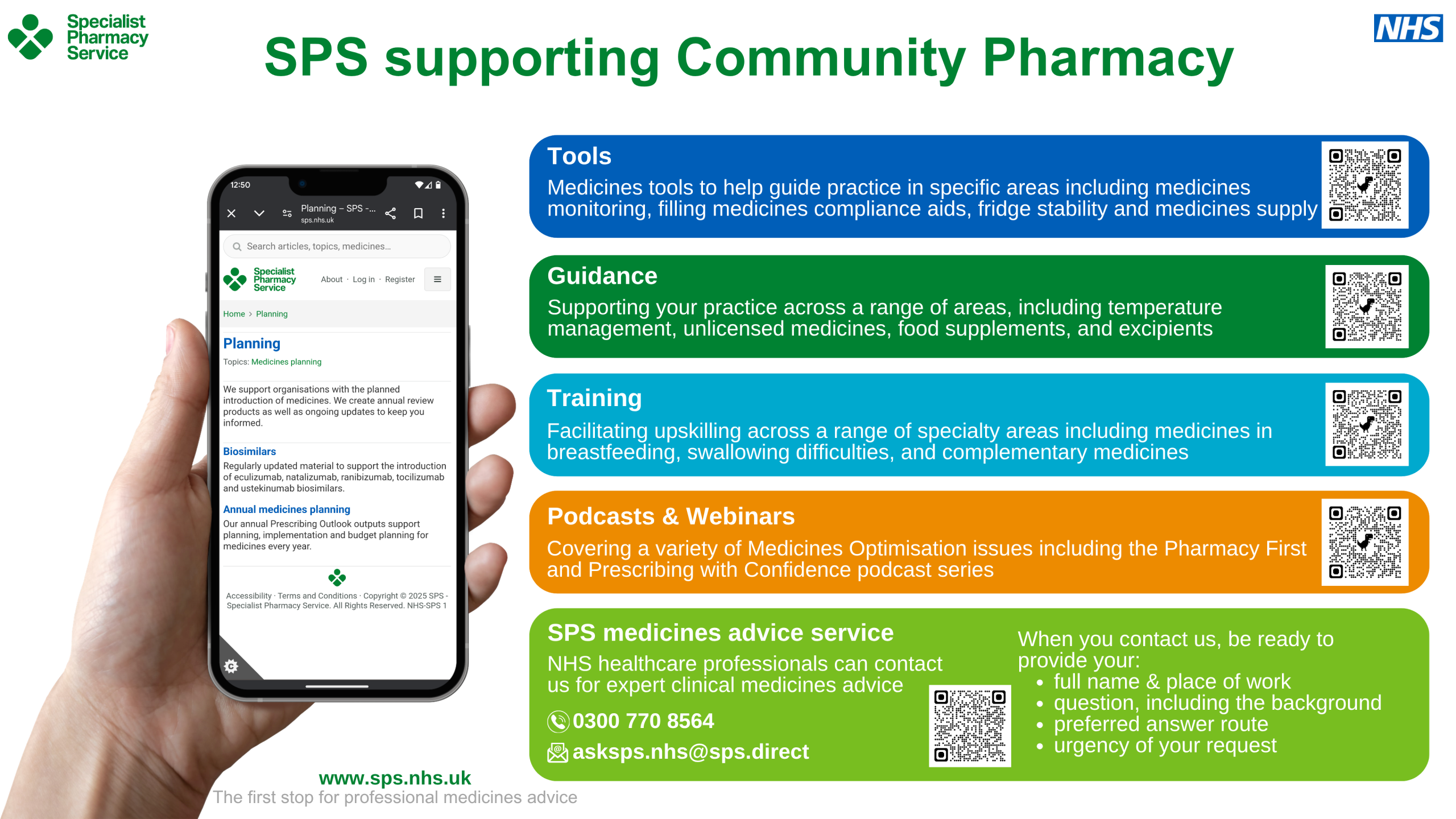
This screensaver is designed for computers in community pharmacy dispensaries and consultation rooms. It gives examples of SPS resources for community pharmacy including tools, guidance, training, podcasts and webinars, and the SPS medicines advice service. There are QR codes for quick access to these areas of the SPS website via a mobile device.
 

SPS supporting Community Pharmacy screensaver

A screensaver image titled ‘SPS supporting community pharmacy’ with a Specialist Pharmacy Service logo and an NHS logo

A hand holds a smartphone displaying a webpage listing the following SPS resources:

  • Planning
  • Biosimilars
  • Annual medicines planning

The screensaver has five coloured sections that read:

Tools

Medicines tools to help guide practice in specific areas including medicines monitoring, filling medicines compliance aids, fridge stability, and medicines supply

Guidance

Supporting your practice across a range of areas, including temperature management, unlicensed medicines, food supplements, and excipients

Training

Facilitating upskilling across a range of specialty areas including medicines in breastfeeding, swallowing difficulties, and complementary medicines

Podcasts and Webinars

Covering a variety of Medicines Optimisation issues including the Pharmacy First and Prescribing with Confidence podcast series

SPS medicines advice service

NHS healthcare professionals can contact us for expert clinical medicines advice

When you contact us, be ready to provide your:

  • full name and place of work
  • question, including the background
  • preferred answer route
  • urgency of your request

Footer text reads: www.sps.nhs.uk. The first stop for professional medicines advice

SPS supporting general practice screensaver

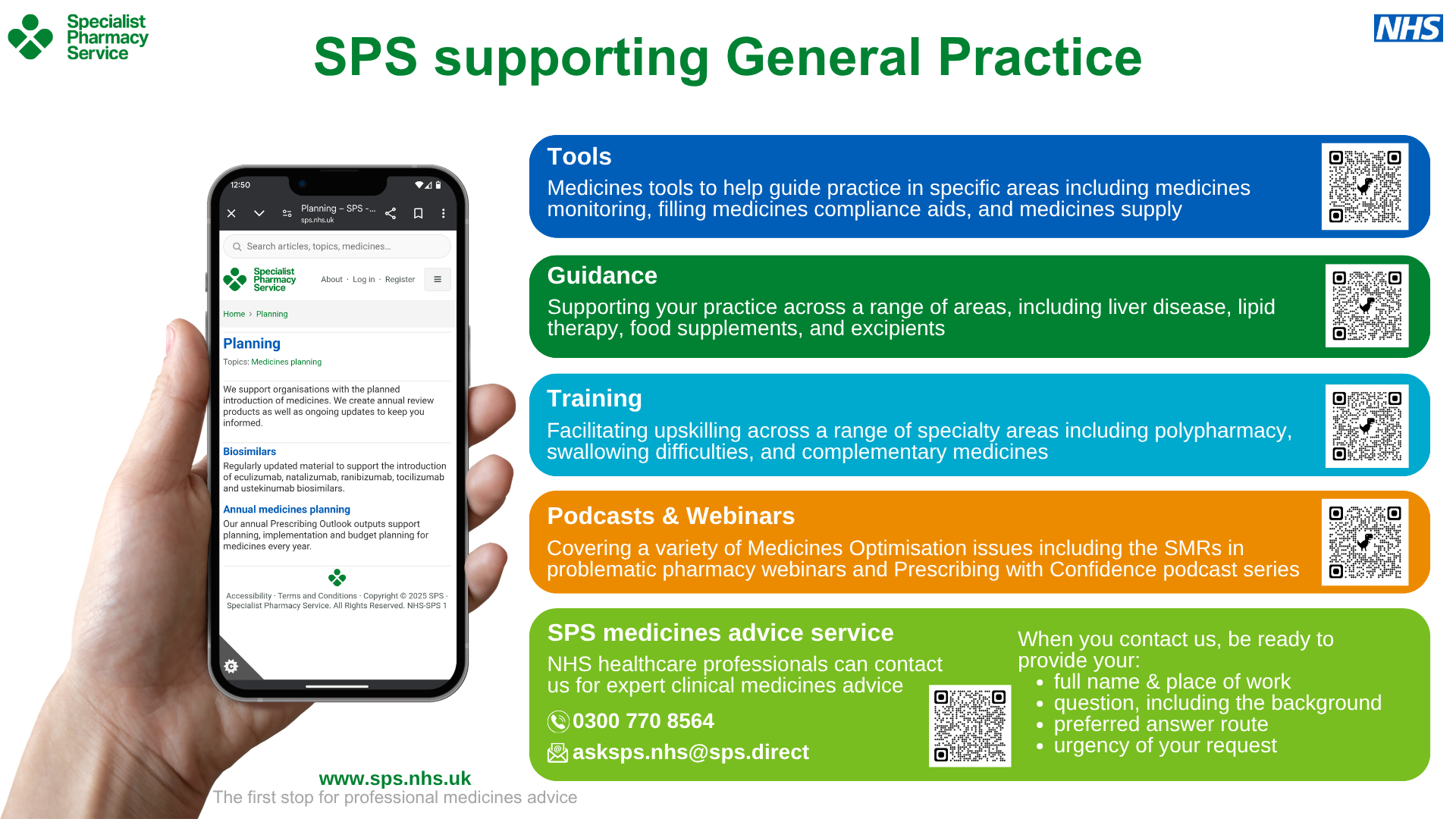
This screensaver is designed for computers in general practice consultation rooms and offices. It gives examples of SPS resources for general practice including tools, guidance, training, podcasts and webinars and the SPS medicines advice service. There are QR codes for quick access to these areas of the SPS website via a mobile device.
SPS supporting General Practice screensaver

A screensaver image titled ‘SPS supporting general practice’ with a Specialist Pharmacy Service logo and an NHS logo

A hand holds a smartphone displaying a webpage listing the following SPS resources:

  • Planning
  • Biosimilars
  • Annual medicines planning

The screensaver has five coloured sections that read:

Tools

Medicines tools to help guide practice in specific areas including medicines monitoring, filling medicines compliance aids, and medicines supply.

Guidance

Supporting your practice across a range of areas, including liver disease, lipid therapy, food supplements, and excipients.

Training

Facilitating upskilling across a range of specialty areas including polypharmacy, swallowing difficulties, and complementary medicines.

Podcasts and Webinars

Covering a variety of Medicines Optimisation issues including the SMRs in problematic pharmacy webinars and Prescribing with Confidence podcast series.

SPS medicines advice service

NHS healthcare professionals can contact us for expert clinical medicines advice

When you contact us, be ready to provide your:

  • full name and place of work
  • question, including the background
  • preferred answer route
  • urgency of your request

Footer text reads: www.sps.nhs.uk. The first stop for professional medicines advice